Every Blooply tool tackles one creator workflow from raw file to final export, instead of hiding unfinished tabs behind a bloated menu.
01 · Single focusPurpose-built utilities
Studio rule
Windows local runtime · Slot 01 live now Interactive 3D kinetic seal · move or drag to spin
Blooply builds focused desktop utilities for video creators. No bloated suites, no cloud queues: every app does one job properly on your own hardware.

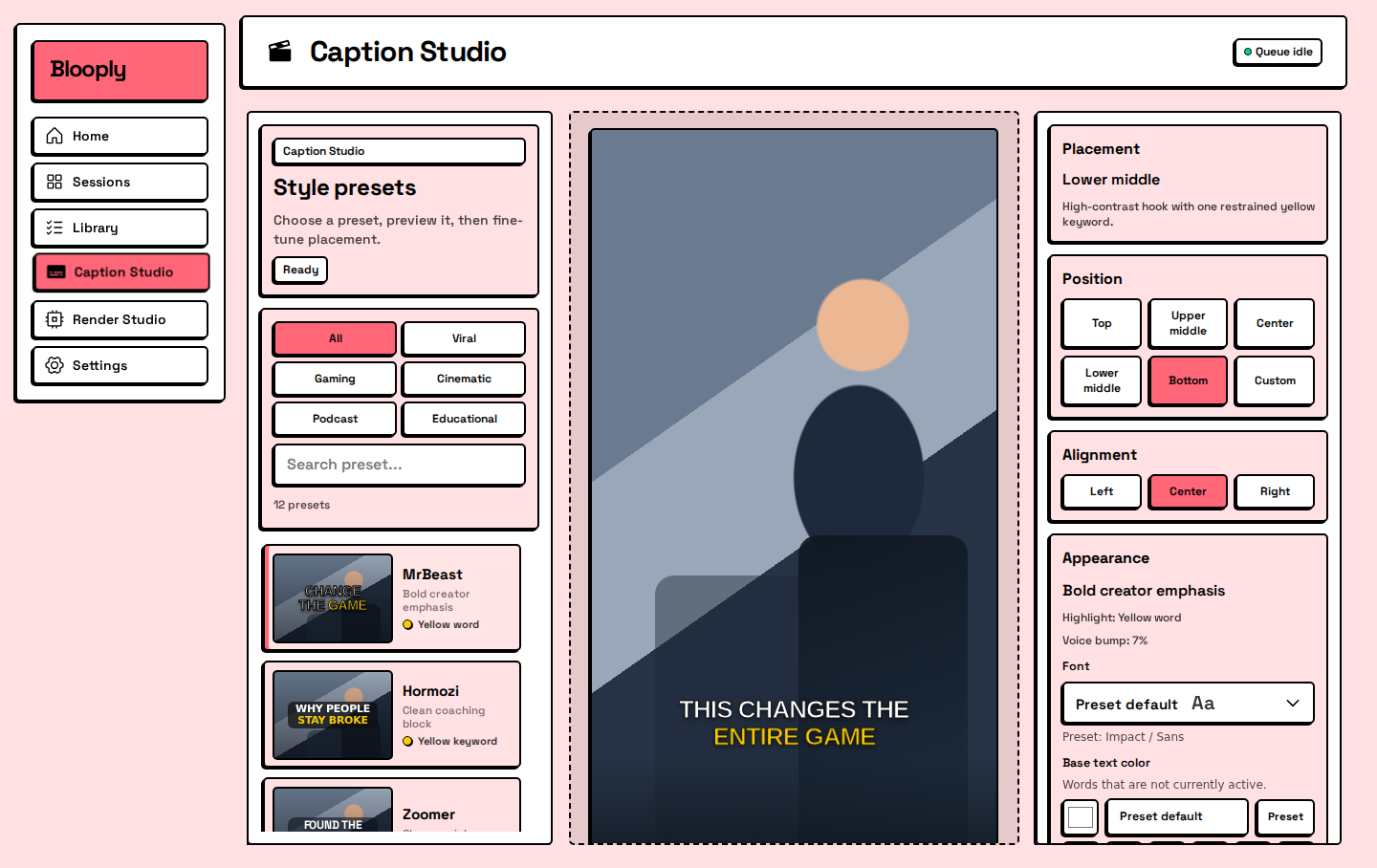
Turn long videos into vertical clips ready for TikTok, Reels, and Shorts: AI highlights, 9:16 reframe, karaoke captions, and YouTube upload.
Future Blooply desktop apps plug directly into this 3-column shelf row using identical compact cards. Until a release is packaged and signed, new slots remain unallocated.
Every Blooply tool tackles one creator workflow from raw file to final export, instead of hiding unfinished tabs behind a bloated menu.
2 PCs
One pay-once key via LicenseGate activates up to two Windows computers with zero subscription renewal traps.
Processing stays on your machine. Downloading, transcription, reframing, and caption burns run locally on your own computer.
Separate sites for the studio and the app: blooply.id carries the shelf, while clip.blooply.id hosts full walkthroughs, installs, and terms.
blooply.id is the parent hub and app shelf for Blooply Studio, introducing the studio's craft and pointing creators directly to each shipped application.
Keeping blooply.id focused on the studio catalog lets clip.blooply.id act as the dedicated product home for screenshots, pricing, /how-to setup, and /terms.
Blooply Clip uses a one-time license key with no subscription. One key activates up to 2 Windows PCs.
Only when it is genuinely complete, tested, and packaged for real creator workflows without placeholder cards.